Your login no longer works
Your login details may have been changed. Check your provider’s official recovery process.
 HackCheck · Guide
A calm Windows guide
Unknown sign-in, a message you did not send, or suddenly no access? Start with account security. This guide explains warning signs and shows what to do next.
! A data-breach finding is not automatically proof of a current account takeover.

The short answer
Sign in through your provider’s usual route. Then check unfamiliar activity, new devices, forwarding rules and recovery options. If you still have access, change the email account password first.
This order follows the general guidance from BSI.
Step 1 · Check
One unusual signal is not conclusive proof. You should nevertheless take several unfamiliar changes or activities seriously.
Your login details may have been changed. Check your provider’s official recovery process.
Notifications about changes you did not make are a relevant warning sign.
Look for messages, forwarding rules and recovery options that you did not set up.
Step 2 · Immediate steps
Work through the following steps without a long interruption where possible. Providers may use different names for individual settings.
Use a unique, strong password that you do not use for other accounts.
End unfamiliar or all active sessions if your provider offers this option.
Change reused passwords and check accounts where this address is used as a recovery route.
Check forwarding rules and recovery options. Tell your contacts about possible messages sent by someone else.
Step 2b · No access
Start with the provider, not with a link in a suspicious message. Follow the official recovery process and secure the accounts connected to the affected address at the same time.
Contact the provider and follow its recovery guidance.
Change passwords that you reused and check single sign-on connections.
Let them know that messages from the affected address may not have come from you.
Step 3 · Check for a data breach
For a one-time check, you can use the independent HPI Identity Leak Checker. A finding is a reason to act, but not automatic proof of current access.
A finding means: change the password and check connected accounts.
Step 4 · Follow-up check
Over the next few days, check sessions, forwarding rules, recovery options and reports from contacts again.
 Optional product bridge
If you want to stay informed in future
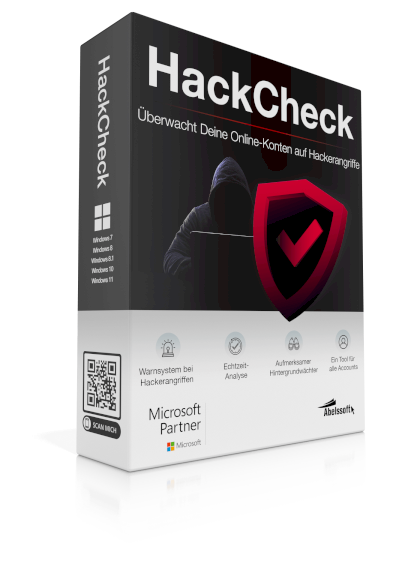
The official Abelssoft product page describes HackCheck as Windows software for monitoring online accounts and mobile phone numbers. The page also mentions an alert system and dark-web monitoring.
This does not restore an account and is not a free online checker. The official product page is authoritative for the current features, version and terms.
Learn about HackCheckFAQ
The answers distinguish immediate help, one-time checks and optional monitoring.
Warning signs can include a denied login, unfamiliar sign-ins or account settings, messages you did not send and password changes you did not make. One sign alone does not prove an account takeover.
If you still have access, first change the email account password, end active sessions, check settings and secure connected accounts. If you have no access, follow the provider’s official recovery process.
For a one-time check, you can use the HPI Identity Leak Checker. A finding shows a known leak, but does not automatically prove a current account takeover.
A check answers a specific question. Monitoring repeatedly watches stored data and can notify you when a security risk is found.
The official HackCheck page describes monitoring online accounts and mobile phone numbers. The official product page is authoritative for the current features, version and terms.
Contact the provider and use only its official recovery process. At the same time, change passwords for connected accounts and tell your contacts if messages were sent by someone else.
Sources and limits
This guide provides general orientation and does not replace individual advice from your provider, the BSI or a responsible authority.